



Emin Grbo
Founder · developerIndie iOS developer in Norway. 20+ apps on the App Store, ten years of UX before that. Built FunnelHound after an update tanked his downloads and App Store Connect couldn't say why.
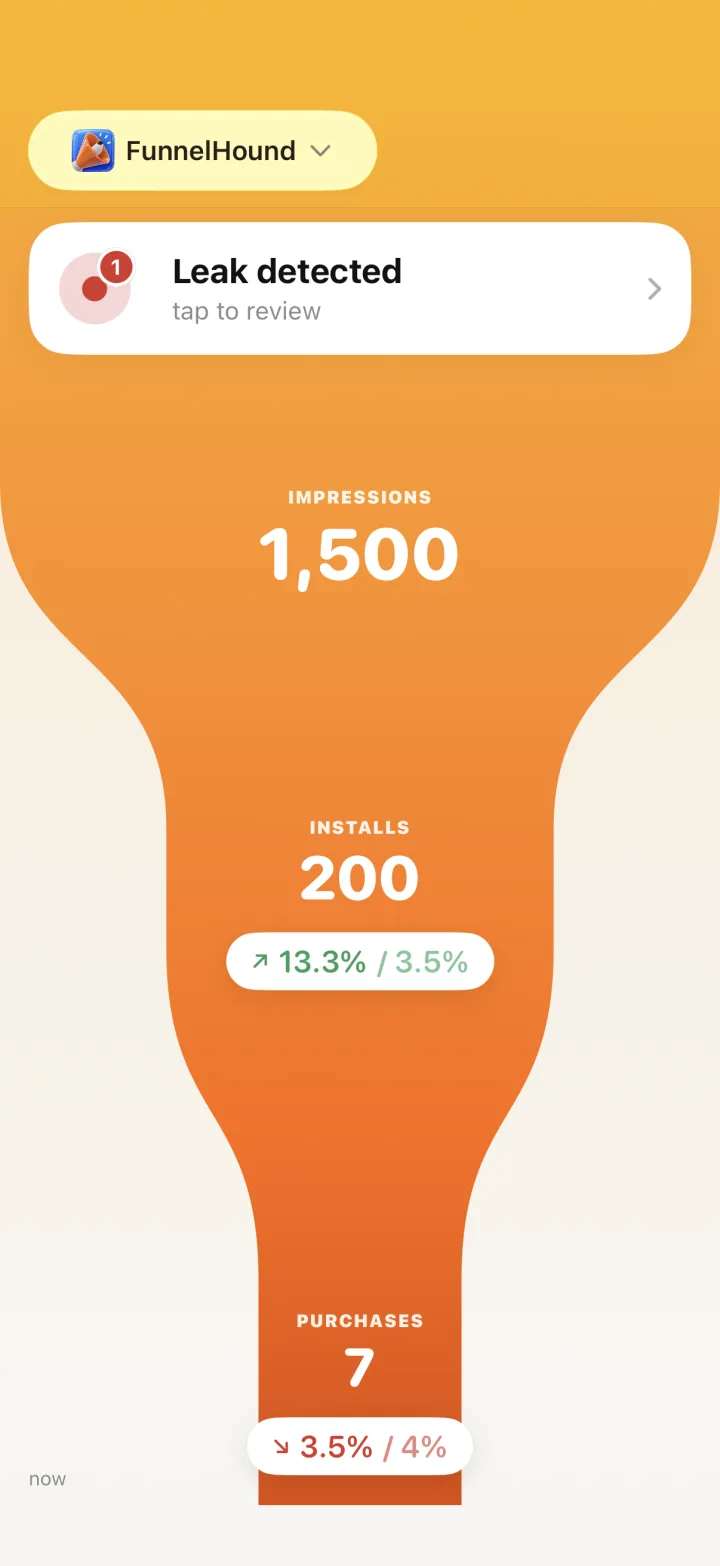
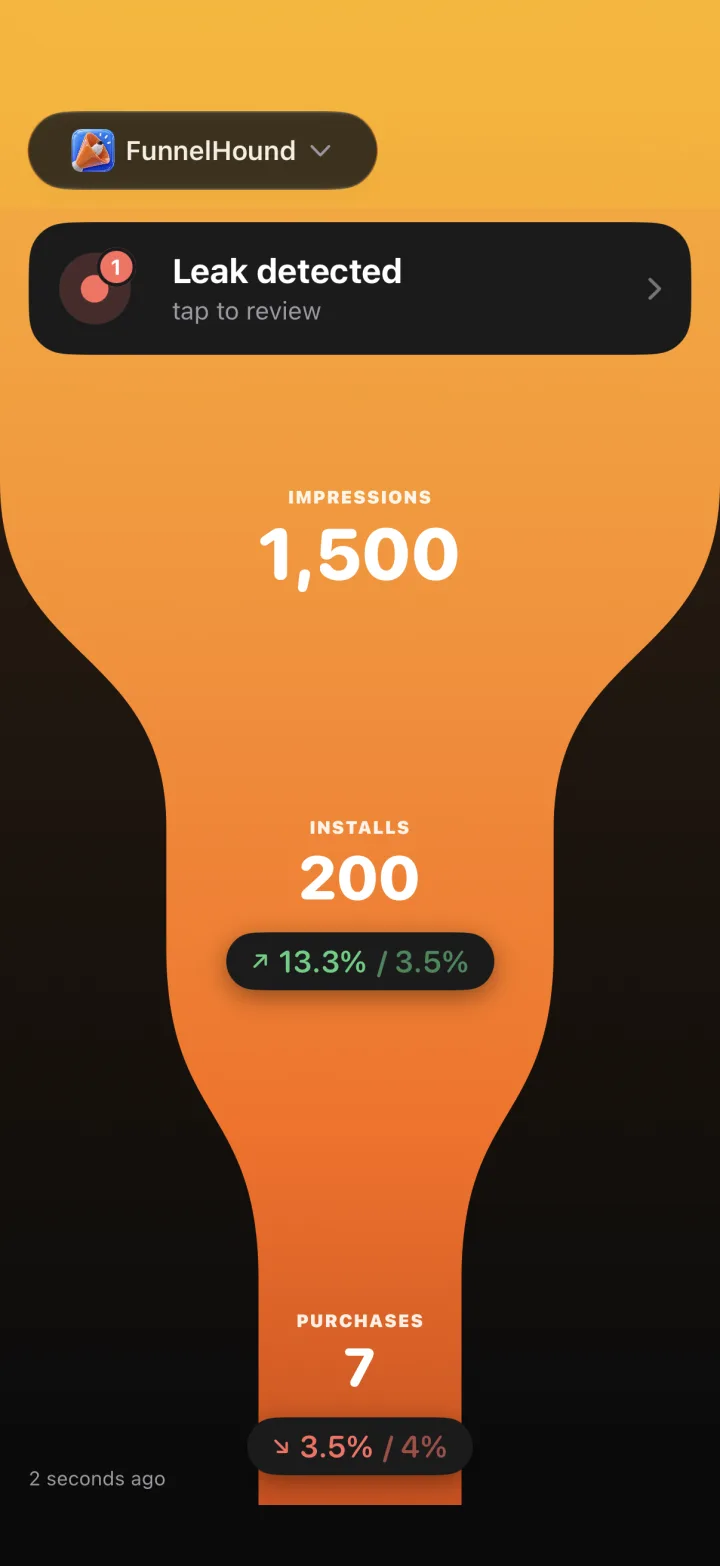
@emin_buildsSomewhere between "saw your app" and "paid you", people vanish. FunnelHound is an App Store Connect analytics app for iPhone that turns your reports into one funnel (Impressions → Installs → Purchases) so you can see where they go, and fix the stage that pays.
Free to download · live on the App Store
Or start on the web for $0.99/month →

On a Mac?
Point your iPhone camera here to get the app.
After 20+ shipped apps, I still couldn't see which apps "carried" the portfolio.
App Store Connect never told me which step of the funnel made it work. So I built the thing that does.
Emin
Someone saw your app on the App Store: search, charts, or Today. Visibility, not interest.
They committed and downloaded. The gap before this one is your icon, screenshots and ratings at work.
They paid. The gap before this one is your onboarding and paywall. This is the number that matters.
Every step with its conversion rate, judged against App Store medians, or targets you set yourself.
From "someone saw my app" to "someone paid me": five stages, four leaks. Hover a stage to see what to fix when it drops.
App Store Connect's dashboard never shows you deletions. FunnelHound puts them front and center. A spike in deletions after a release means something in that release drives users away.
Cross-reference crashes on a specific OS version with deletions and you get a fix-this-now signal, not a vague trend.
Reports lag real time by 2–3 days. Apple's pace, not ours. First-time report requests take 24–48h before data appears.
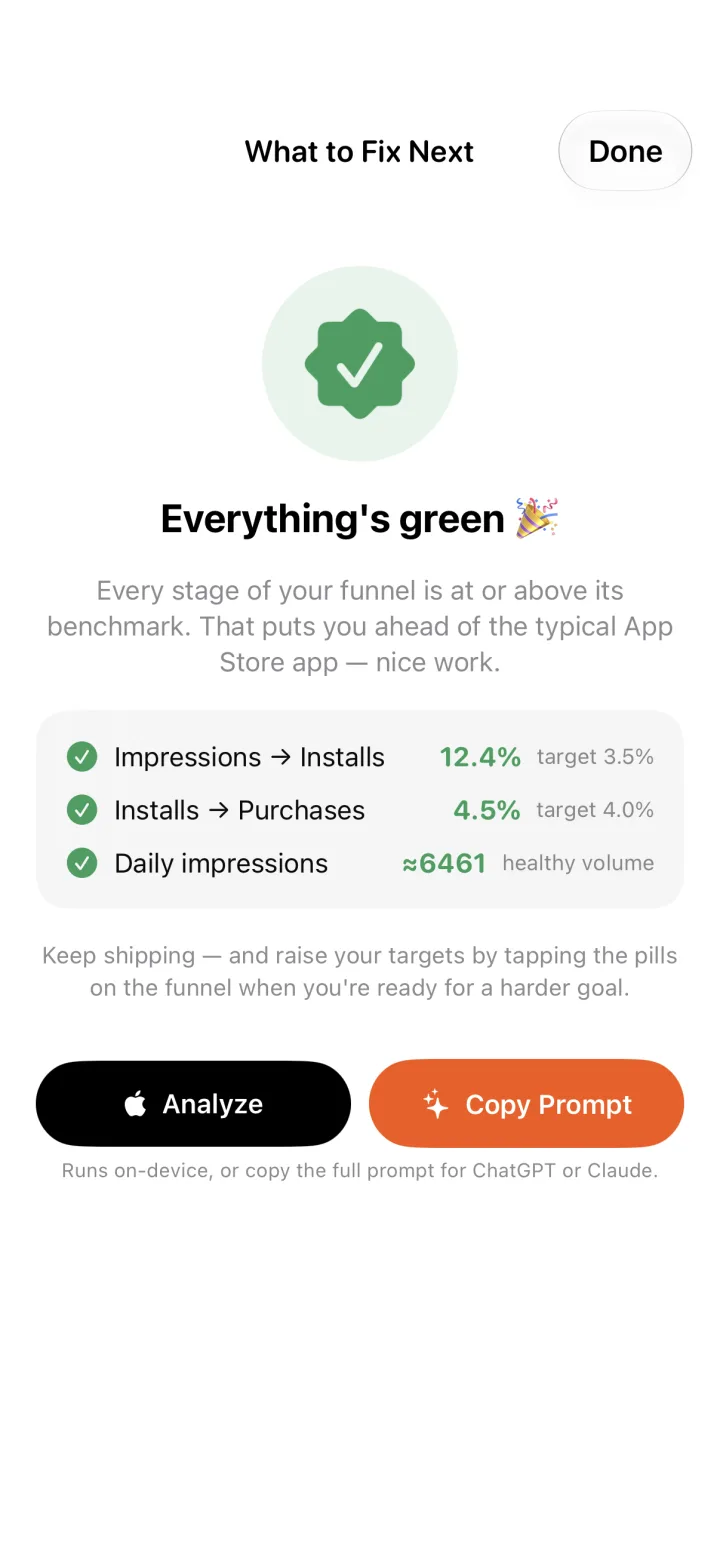
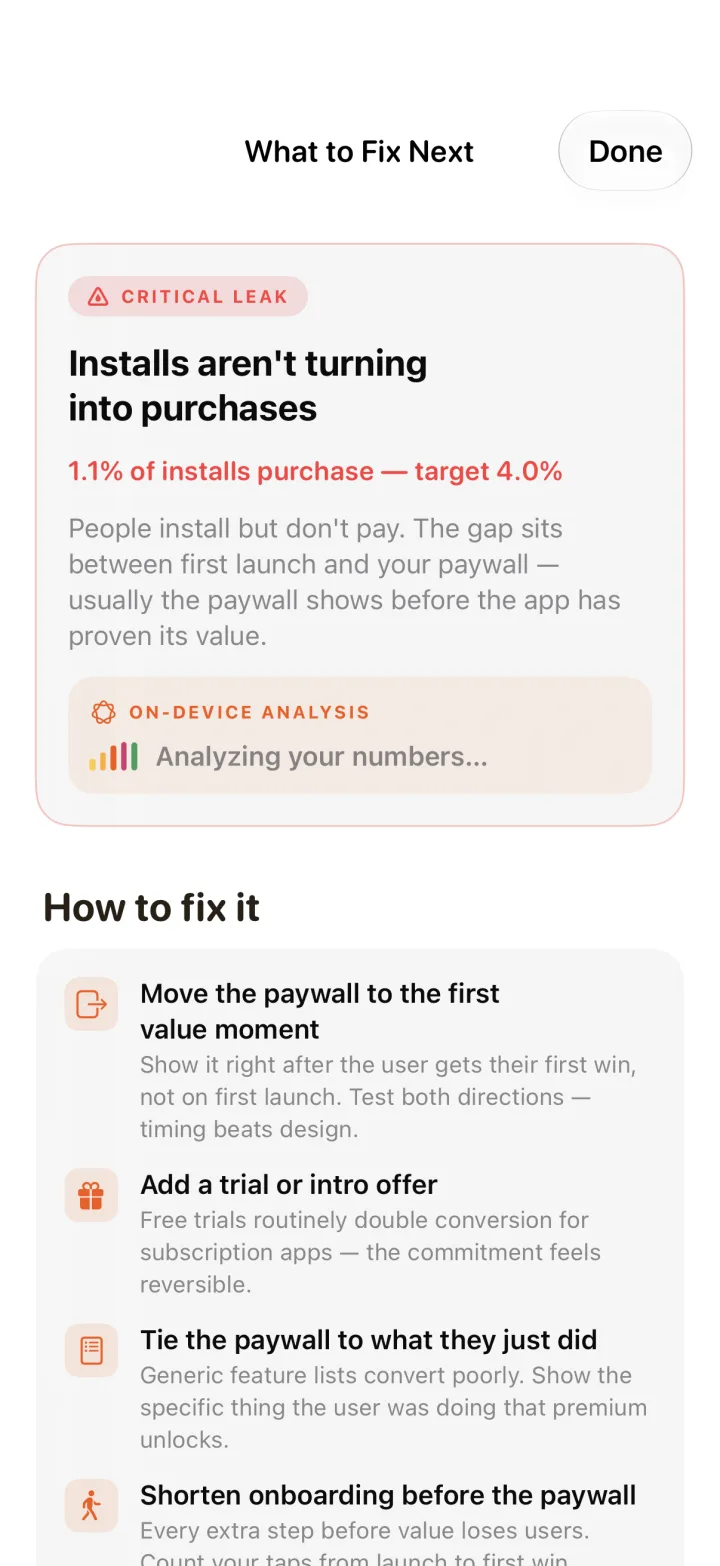
Concrete fixes, ranked by impact. And when everything's green, you know about it. ✅
One tap runs your real funnel data through Apple's on-device model: trends, leaks, what to fix next. Nothing leaves the device. Pro, on iPhones with Apple Intelligence. Or copy the full prompt for ChatGPT or Claude.
Small screen. Full picture. Funnel, dashboard, MRR and every app you ship, side by side.
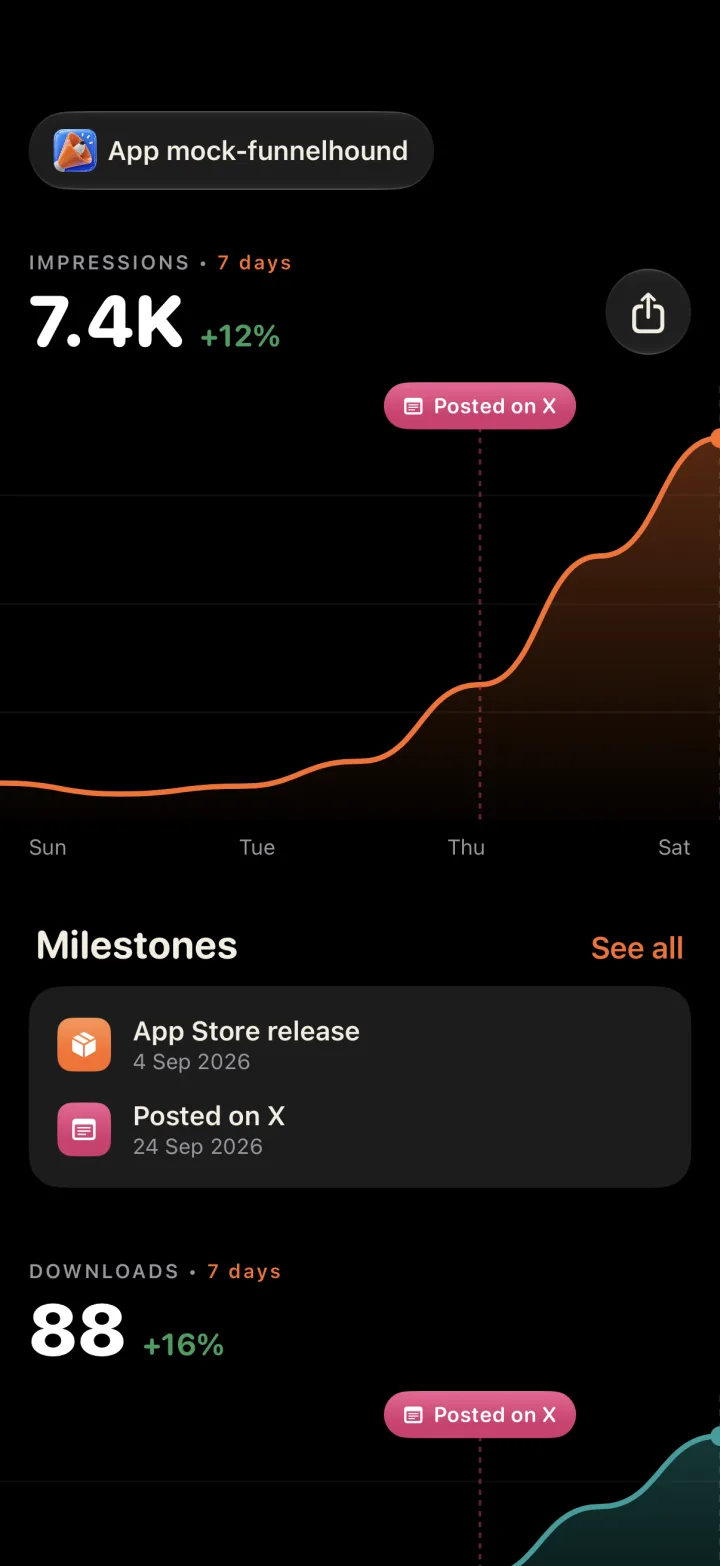
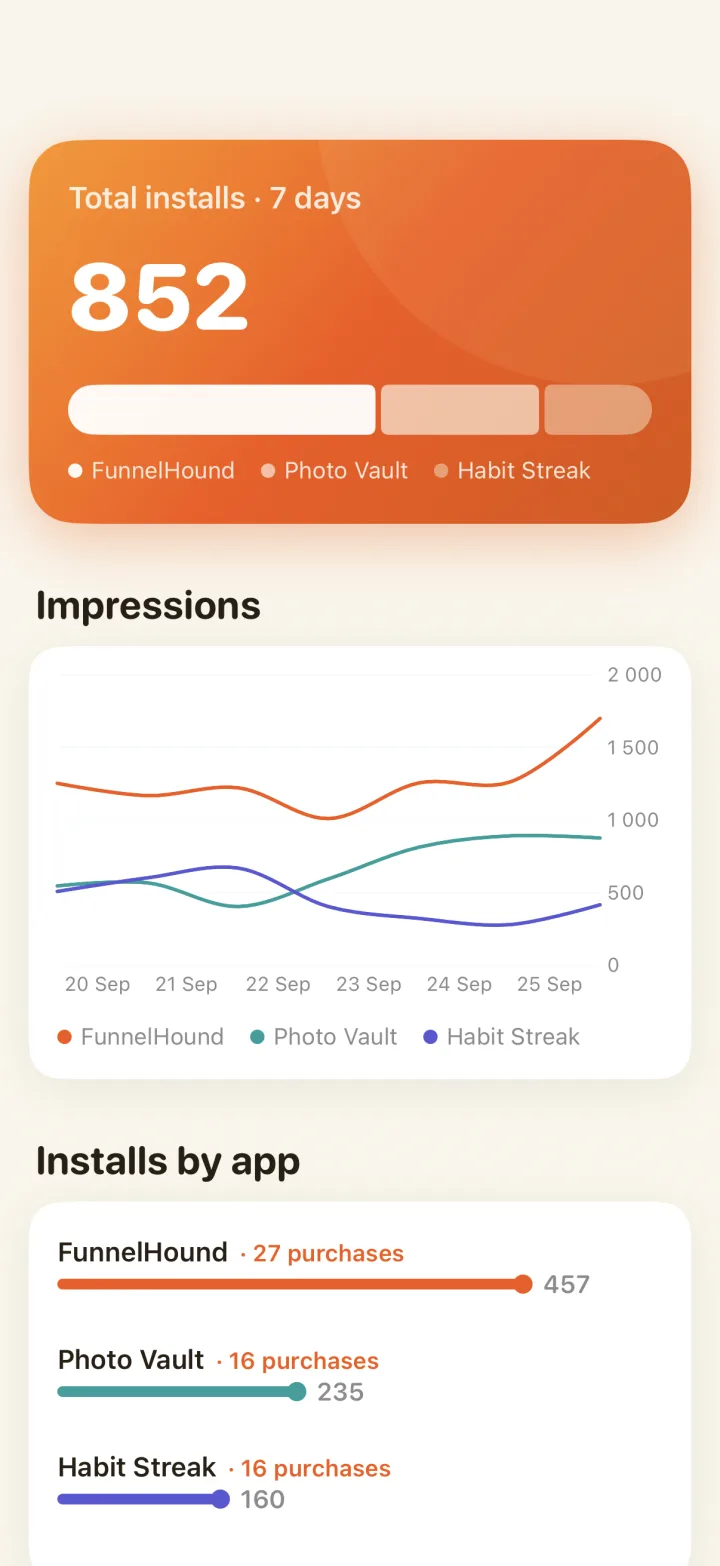
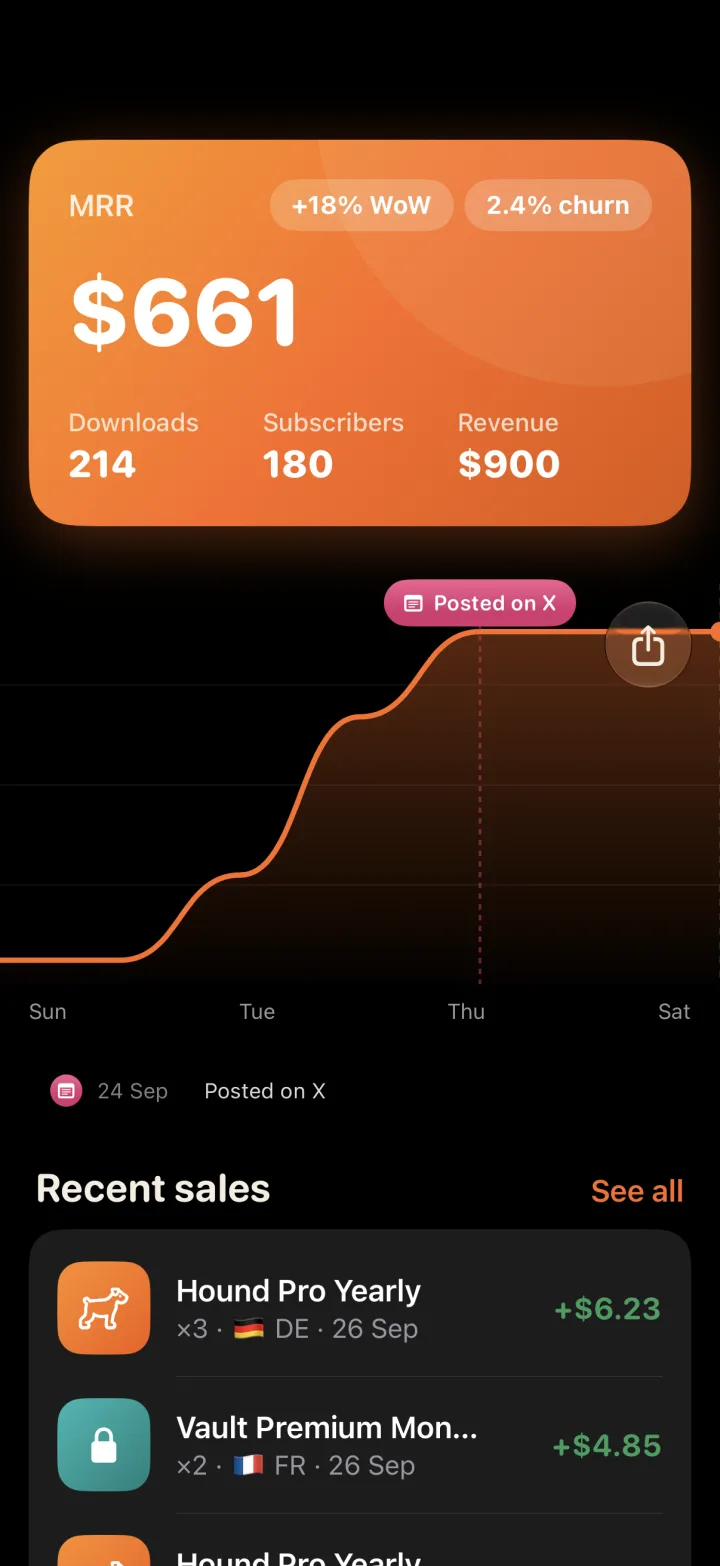
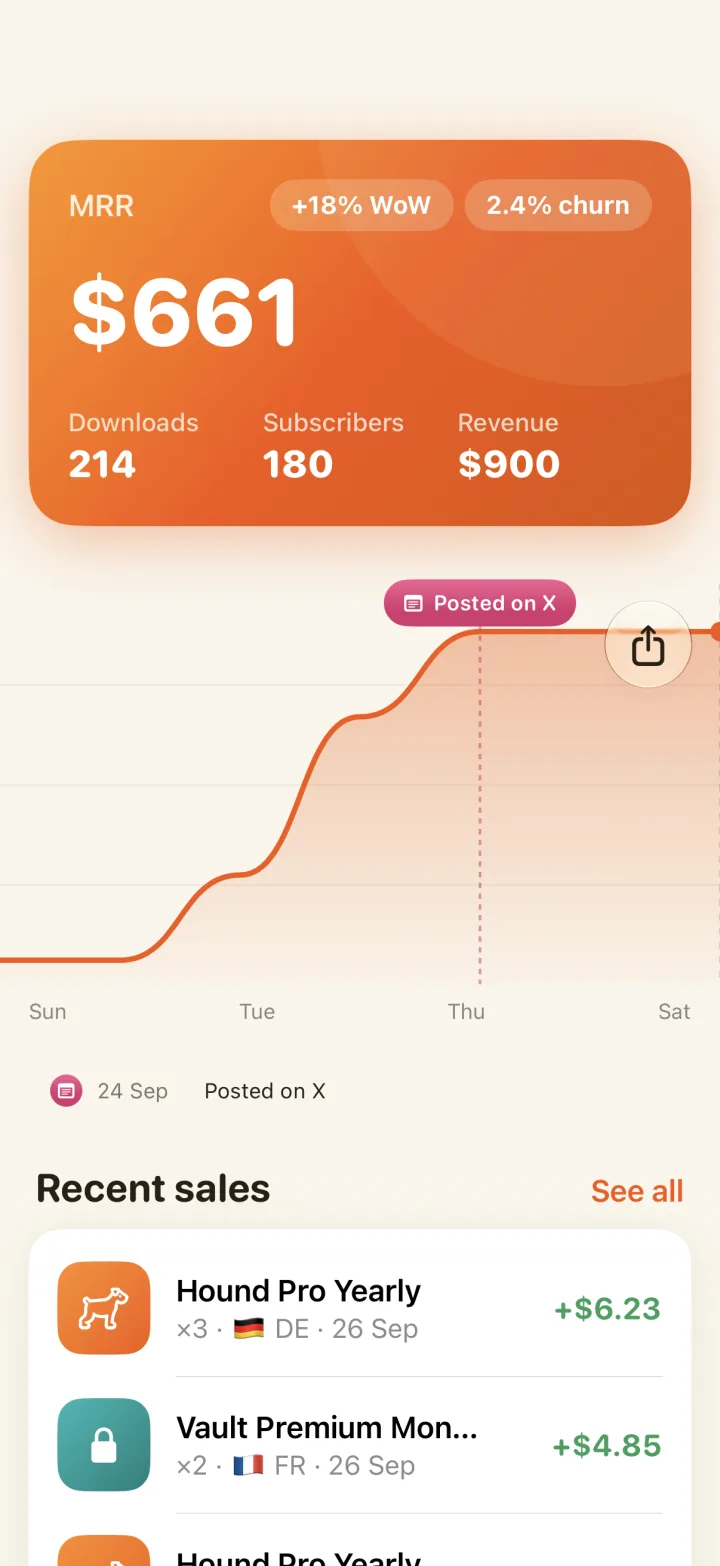
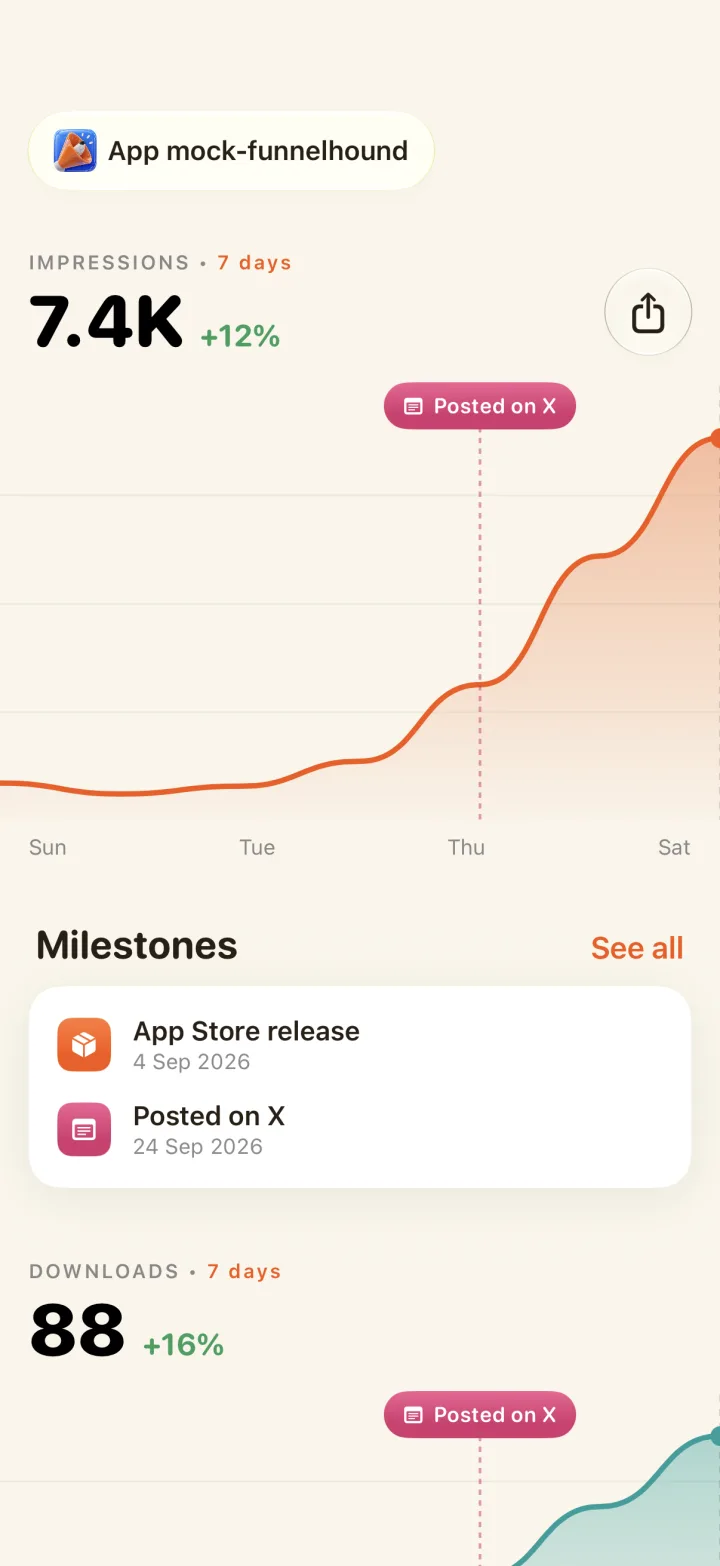
Mark launches, posts and updates to the chart, then watch what moved the line.
They pin to your charts at the date they happened, so you never wonder what caused a jump again. Compare the 7 days before and after any release without exporting a thing.
+12% impressions since "X post" milestoneInstalls, purchases, subscribers and MRR on your Home Screen. All apps, or pin one. Quick and easy access.
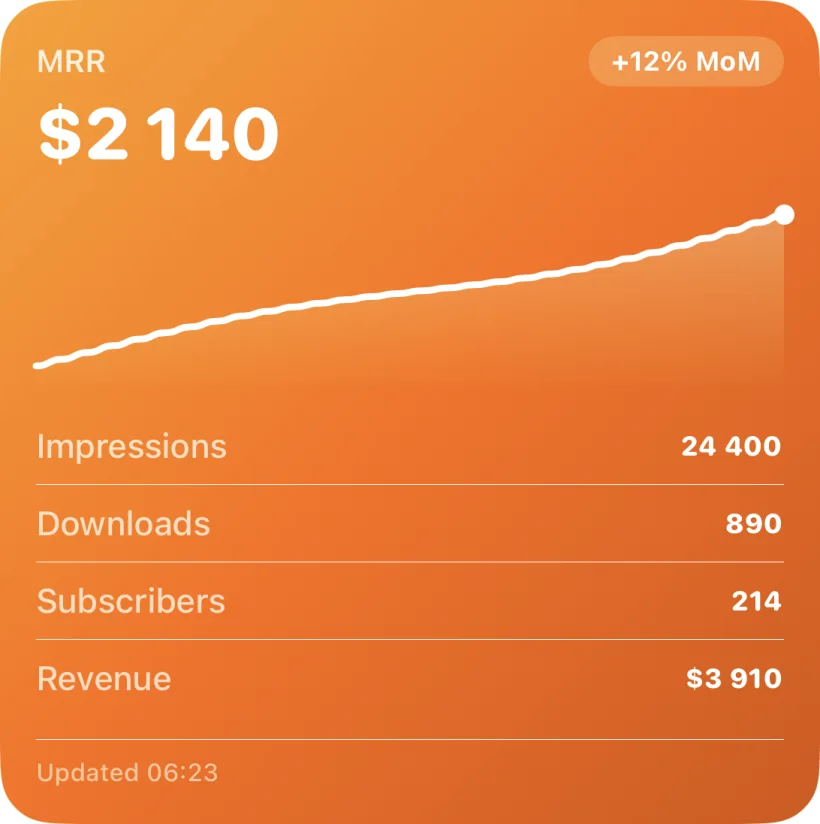
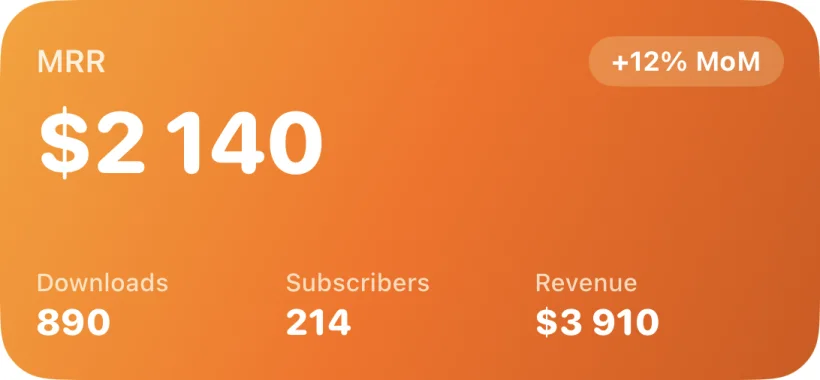
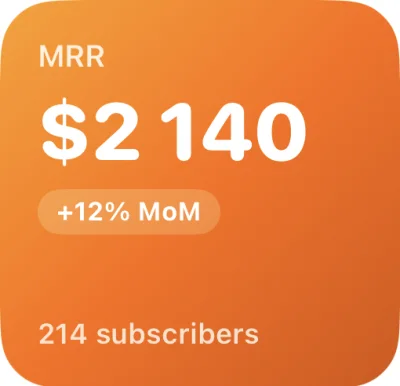
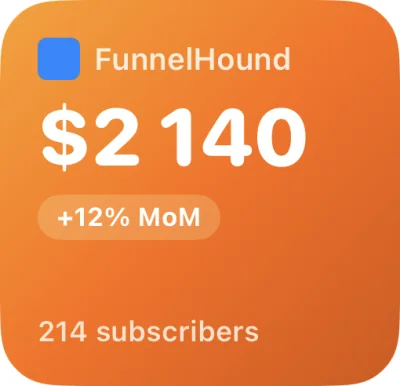
Every report App Store Connect exposes, distilled into one dashboard of tiles, each one built to answer a question, not decorate a slide.
Discovery, downloads, purchases, deletions, sessions, crashes: the reports that cover your money funnel, pre-arranged on first launch.
Search, Browse, App Referrer, Web Referrer. See which channel carries your growth and where each one leaks.
Installs pour in, deletions drip out. Net adds shown as the water level: churn made obvious to non-analysts.
Every metric shows change vs the previous period. Absolute numbers inform, deltas prompt action.
Tap-through and conversion gauges with your category's benchmark marked on the dial. One glance: "is my icon working?"
Your App Store Connect API key lives in the Keychain on your device. Data flows from Apple to you, nowhere else.
Direct App Store Connect API, stored in your Keychain.
No middleman server, no analytics reseller. Reports flow from Apple straight to your phone.
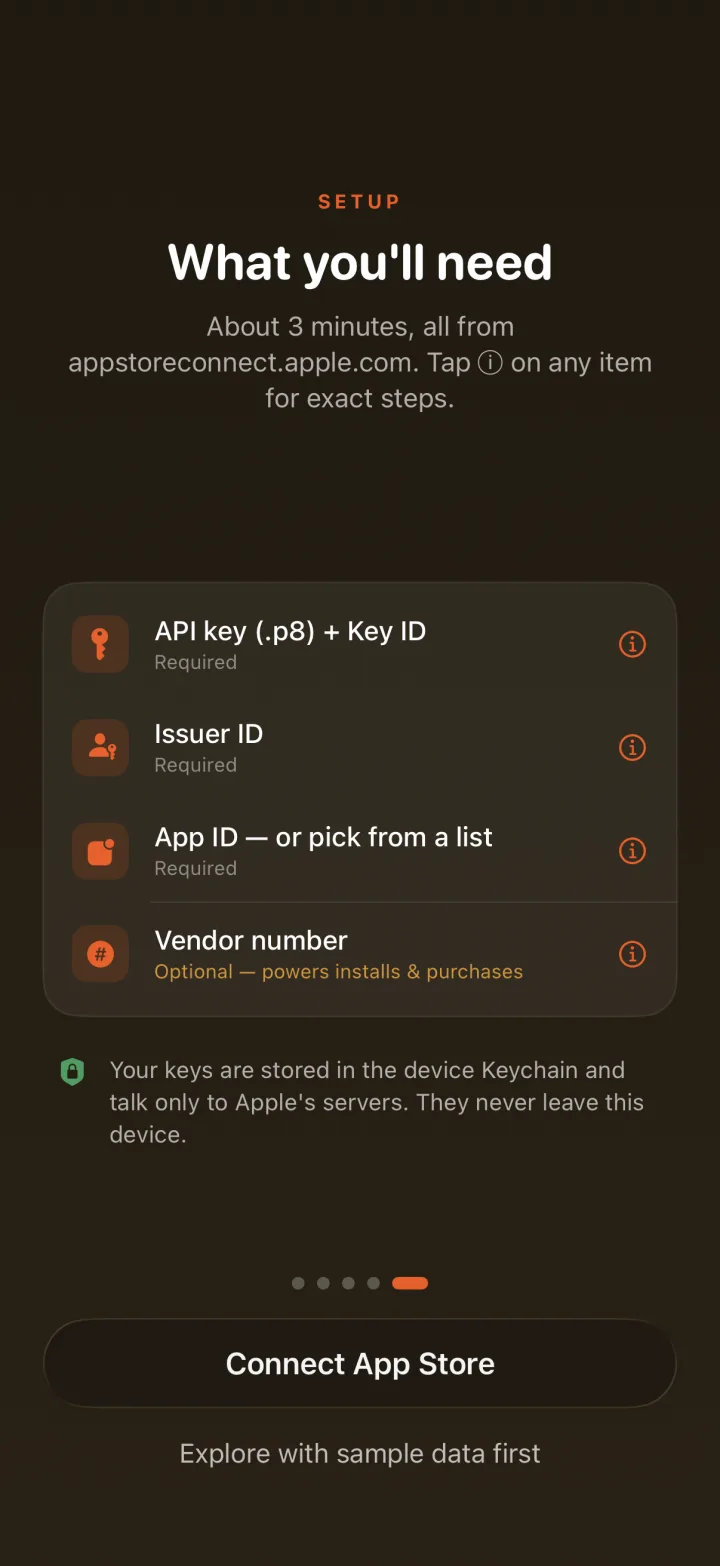
App Store Connect → Users and Access → Integrations. Generate a key with access to your app.
Enter the Key ID and Issuer ID, then import the .p8 private key file.
Choose from your apps, or enter the numeric App ID directly.
Vendor Number adds installs and purchases to the funnel. Find it under Sales and Trends. Skip it and add it later.
First-time analytics report requests take 24–48h before Apple generates data. That's Apple's kitchen, we just plate it.
Two build the app. One is the app.
Indie iOS developer in Norway. 20+ apps on the App Store, ten years of UX before that. Built FunnelHound after an update tanked his downloads and App Store Connect couldn't say why.
@emin_builds
Years of iOS development, ruthless feedback and iron opinions. Second pair of eyes on every screen, first to say "nobody will understand that." Keeps the product honest.

The hound in FunnelHound. Sniffs out where people drop off between impression, install and purchase, and barks when a number leaks. Wears the cone under protest.
@funnelhound_appShort, honest guides to App Store Connect analytics: what the metrics mean, what "good" looks like, and how to act on them.
The nomination inbox most devs never open, what editorial shops for, and the mix warning for the spike.
Read the guide → Benchmarks2026 benchmarks by category, why "25%" and "4%" are both right, and which number to actually track.
Read the guide → Metrics explainedWhat Apple counts, why impressions dwarf page views, and what each stage tells you about your listing.
Read the guide → ChurnWhere Apple hides uninstall data, how deletions are counted, and how to read a post-release spike.
Read the guide → On the goApple's own app vs the full picture: impressions, conversion and deletions from your pocket.
Read the guide → SetupKey ID, Issuer ID, .p8 file, Vendor Number: the five-minute setup, step by step.
Read the guide → BenchmarksThe impression → page view leak: typical rates, what drags it down, and how to test fixes.
Read the guide → MeasurementDate the change, watch the one metric it can move, judge after two weeks, not two days.
Read the guide → KeywordsApple combines words across fields, so phrases, repeats and title duplicates burn characters for zero rank.
Read the guide → DiscoveryExtra store cards in search and on your page, free: claimed by almost nobody outside games.
Read the guide → MoneyEach model trades reach against revenue per user, and bends your funnel its own way.
Read the guide → MoneyApple does the telling, silence can mean cancellation, and grandfathering is usually the answer.
Read the guide → RetentionFirst session → keep-or-delete → retention signal → rankings. The loop nobody draws on their funnel.
Read the guide → CategoryCategory picks your chart, your shelf and your benchmark peers. The honest small-pond math.
Read the guide → Growth160 indexed characters vs an unlimited surface, and the branded-search loop that wires them together.
Read the guide → MetricsHalf your dashboard is a census, half is a survey. Every confused ratio crosses that line.
Read the guide → ToolsThe 10-character code in the Team Keys table, and in the AuthKey .p8 filename. Why it's not your Team ID, and what to check when it's missing.
Read the guide → Toolsdeveloper.apple.com → Membership details, or Xcode's Team dropdown. Not in App Store Connect. Where it's required, plus the 10-character look-alikes.
Read the guide → ToolsApp Store Connect → App Information → Apple ID, or the digits after "id" in your store link. Plus the look-alike IDs it isn't.
Read the guide → ToolsSign the ES256 JWT with PyJWT, list your apps, pull a daily sales report, and decode 401 vs 403 vs 429. Working code, no SDK.
Read the guide → MetricsThe export button, Sales and Trends reports, financial reports, and the Analytics Reports API. Which route fits a one-off and which fits a routine.
Read the guide →No uninstall event on iOS, but a deletion rate, a trend line and a post-release alarm are all buildable. Here's how.
Read the guide → ToolsUsers and Access → Integrations → App Store Connect API. The exact path, what the UUID means, and why it might not be showing.
Read the guide → ToolsYou need two tools, not six: one to research keywords, one to measure whether the changes worked.
Read the guide → LocalizationTranslated keywords rank for words nobody types, plus the free English locales most apps waste.
Read the guide → RankingsPaywall → instant uninstalls → weaker retention signals. The mechanism, both camps, and how to decide with data.
Read the guide → RankingsWeek one is re-indexing turbulence, not a verdict. When to hold, when to revert.
Read the guide → CompareSame data, fewer tears. Apple has your funnel, filed in three different rooms of a website that hates phones.
Read the guide → CompareRIP, little buddy. Three filled rows, one proud formula, and the launch week that ended it all.
Read the guide → CompareAstro & friends pick the bets. FunnelHound reads the scoreboard. Most devs own three of one, zero of the other.
Read the guide → CompareOne is a platform, one is a glance. An honest comparison, including when the platform clearly wins.
Read the guide → CompareThe market leader in app analytics: a feeling. Zero setup, instant verdicts, confidently wrong.
Read the guide → DiagnosisHalf of “sudden drops” aren’t drops. Rule out lag and weekends, then walk the funnel stage by stage.
Read the guide → CreativeShow the outcome, not the interface. Frame one is a billboard, and captions must read without zooming.
Read the guide → AdsThe famous halo: real mechanism, zero Apple confirmation, fades when spend stops. How to test it honestly.
Read the guide → BenchmarksApple already computed whether your conversion rate is good: percentiles against real category peers.
Read the guide → KeywordsCross-read locales = free indexable characters most apps never claim. The trick, the catch, the verification.
Read the guide → RankingsDocumented, replicated, folklore: the algorithm sorted by evidence, not confidence.
Read the guide → MetricsThree Apple numbers for “how many downloads”, all different, all correct. The decoder ring.
Read the guide → MoneyWhy your $9.99 app pays you $6-ish, and the 15% program most indies forget to apply for.
Read the guide → ReviewsAsk at the win, not on a timer. Prompt limits, the deep link, and why stars move your whole funnel.
Read the guide → TestingWhat PPO can test, what it can't touch, and why week-one winners are a coin with marketing.
Read the guide → ConversionUp to 35 page variants, each with its own URL, so the ad's promise and the page's pitch finally match.
Read the guide → KeywordsApple publishes no search counts. The 5–100 score decoded, and the free demand checks that don't lie.
Read the guide → MacNo Apple Ads, no A/B tests, way less competition. ASO in the quieter pond.
Read the guide → GrowthThe unsexy playbook, ordered by return on hours. Compounding channels only.
Read the guide → ReleasesNo freshness bonus exists. What updates actually do, and the ratings-reset call.
Read the guide → ReviewFive patterns cover most rejections, four preventable before upload. When to argue, when to fold.
Read the guide → LaunchWeeks of interest, banked, spent in one day-one spike: the velocity a new app can't otherwise get.
Read the guide →Discount codes, new-feature drops, and the occasional honest note about what's shipping next: subscriber-only offers, before anyone else sees them. That's the whole deal.
No spam. No sharing. Unsubscribe with one tap.

Each stage you fix compounds through the rest. Download it free and see your funnel in two minutes.